


 Microsoft
 Antiviruses






 Ms Office
 Microsoft
 McAFee
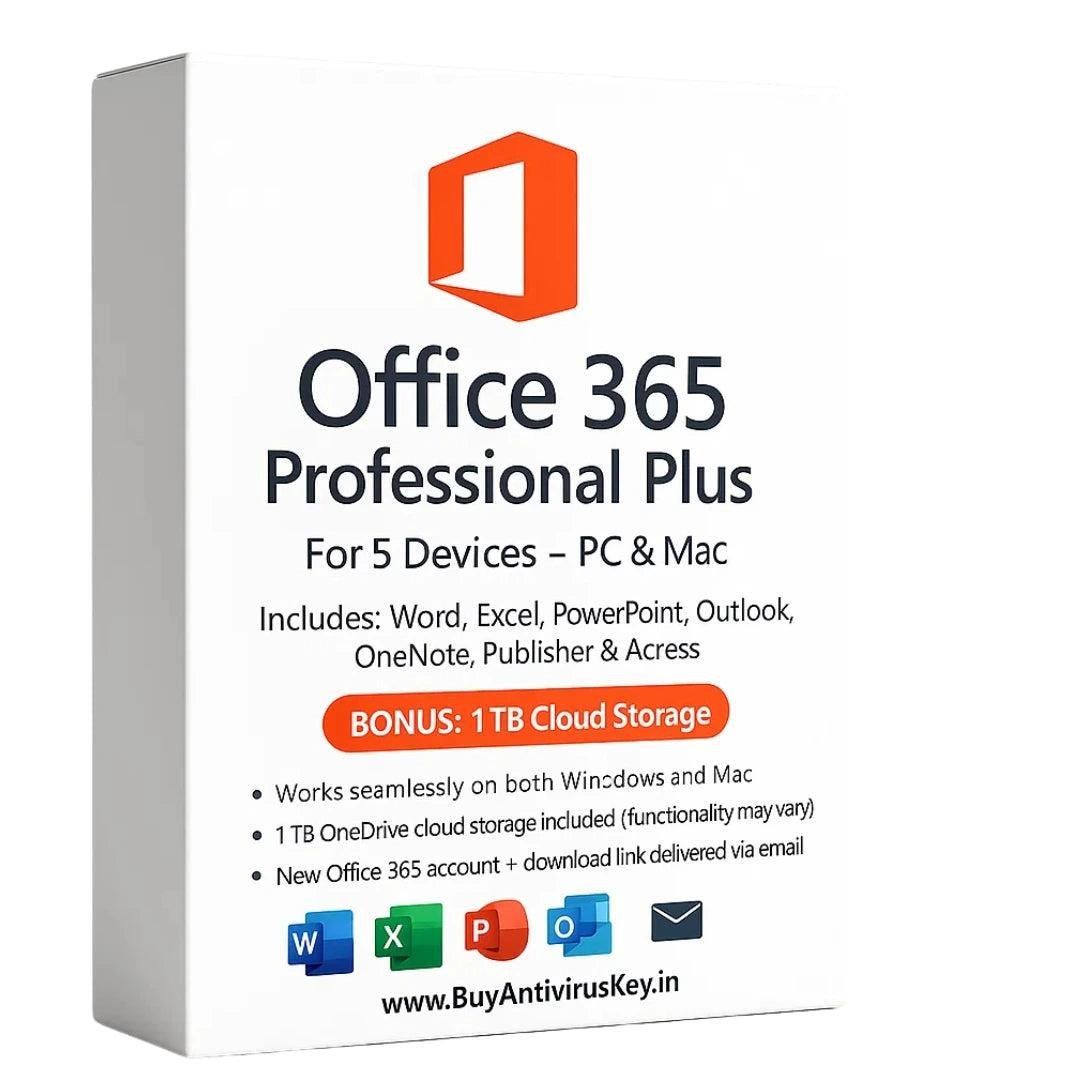
Microsoft Office 365 Professional Plus – Complete Productivity Suite
Office 365 Professional Plus is Microsoft’s powerful, all-in-one productivity solution designed for professionals, businesses, and advanced users. It combines industry-leading applications with cloud-based collaboration tools, helping you work smarter whether you’re at home, in the office, or on the move.
With access to premium tools like Word, Excel, PowerPoint, Outlook, Teams, OneNote, Access, Publisher, and more, Office 365 Professional Plus delivers everything you need for document creation, data analysis, communication, and teamwork.
Why Choose Office 365 Professional Plus?
Office 365 Professional Plus follows a subscription-based model, ensuring you always have access to the latest features, security updates, and cloud services. It supports multiple platforms, making it a flexible and future-ready solution for modern users.
For those comparing long-term value, many users also explore lifetime Office options. If you’re searching for the best Microsoft Office pricing in India, this solution offers excellent value with instant activation and hassle-free setup.
Included Applications & Features
Microsoft Word
Create, edit, and format professional documents with advanced tools, templates, and collaboration features.
Microsoft Excel
Analyze data, create charts, and perform complex calculations with powerful spreadsheet functionality.
Microsoft PowerPoint
Design engaging presentations using animations, transitions, and multimedia support.
Microsoft Outlook
Manage emails, calendars, contacts, and tasks efficiently with a secure and reliable email client.
OneNote
Capture and organize notes, ideas, and information in a digital notebook accessible across devices.
Microsoft Access
Create and manage databases for data-driven projects and business applications.
Microsoft Publisher
Design brochures, flyers, newsletters, and marketing materials with professional layouts.
OneDrive for Business
Store, sync, and access files securely from anywhere, enabling smooth collaboration.
Microsoft Teams
Communicate, chat, host meetings, and collaborate with teams in one centralized platform.
SharePoint Online
Build intranet sites, manage documents, and enhance team collaboration within organizations.
System Requirements – Office 365 Professional Plus
Supported Platforms:
- Windows
- macOS
- Android
- iOS / iPadOS
Minimum Requirements:
- Processor: Compatible Windows or macOS processor
- RAM: 4 GB (64-bit) / 2 GB (32-bit)
- Storage: 10 GB free disk space
- Operating Systems:
- Windows 10 / Windows 11 or later
- macOS 10.0 or above
- Android 10 or above
- iOS supported versions
Cloud-Based Convenience
Office 365 Professional Plus includes web versions of applications, allowing you to work from any internet-connected device. Automatic updates ensure you always use the newest tools without manual upgrades.
Activation Process – Office 365 Professional Plus
- Visit https://office.com
- Sign in using the provided email ID and password
- Change the password on first login
- Click Install Office from the top-right corner
- After installation, open Word → go to Account
- Confirm you’re logged in with the provided account
📺 Installation guide video:
https://youtu.be/1LmGZ0freq4
Conclusion
Office 365 Professional Plus is an ideal solution for users who need continuous updates, cloud access, and collaboration tools. It offers unmatched flexibility across Windows, Mac, Android, and iOS devices. Whether for professional, educational, or business use, Office 365 Professional Plus delivers a complete and future-ready productivity experience.
Yes, Office 365 Professional Plus is a 100% genuine Microsoft product. It activates through Microsoft’s official servers and provides access to all included applications, cloud services, and regular updates, ensuring secure and reliable usage throughout the subscription period.
Office 365 Professional Plus includes Word, Excel, PowerPoint, Outlook, OneNote, Access, Publisher, OneDrive for Business, Microsoft Teams, and SharePoint Online. These tools cover document creation, data analysis, communication, collaboration, and cloud storage needs.
Office 365 Professional Plus supports Windows, macOS, Android, iOS, and iPadOS. You can use it on desktops, laptops, tablets, and smartphones, along with web-based versions of applications for access from any internet-connected device.
An internet connection is required for initial activation, updates, and cloud features like OneDrive and Teams. However, desktop applications such as Word, Excel, and PowerPoint can be used offline once installed on your device.
To activate, visit office.com, sign in with the provided email and password, change the password on first login, and click “Install Office.” After installation, open any Office app and confirm you are logged in under the provided account.
Yes, Office 365 Professional Plus follows a subscription-based model. This ensures you always receive the latest features, security patches, and performance improvements automatically without needing to purchase newer versions separately.
Yes, Office 365 Professional Plus is ideal for business and professional users. It includes advanced tools such as Outlook, Teams, SharePoint, and OneDrive for Business, which support communication, collaboration, document management, and productivity at an organizational level.
Add your review
Your email address will not be published. Required fields are marked *
Please login to write review!
Looks like there are no reviews yet.