

 Microsoft
 Antiviruses






 Ms Office
 Microsoft
 McAFee
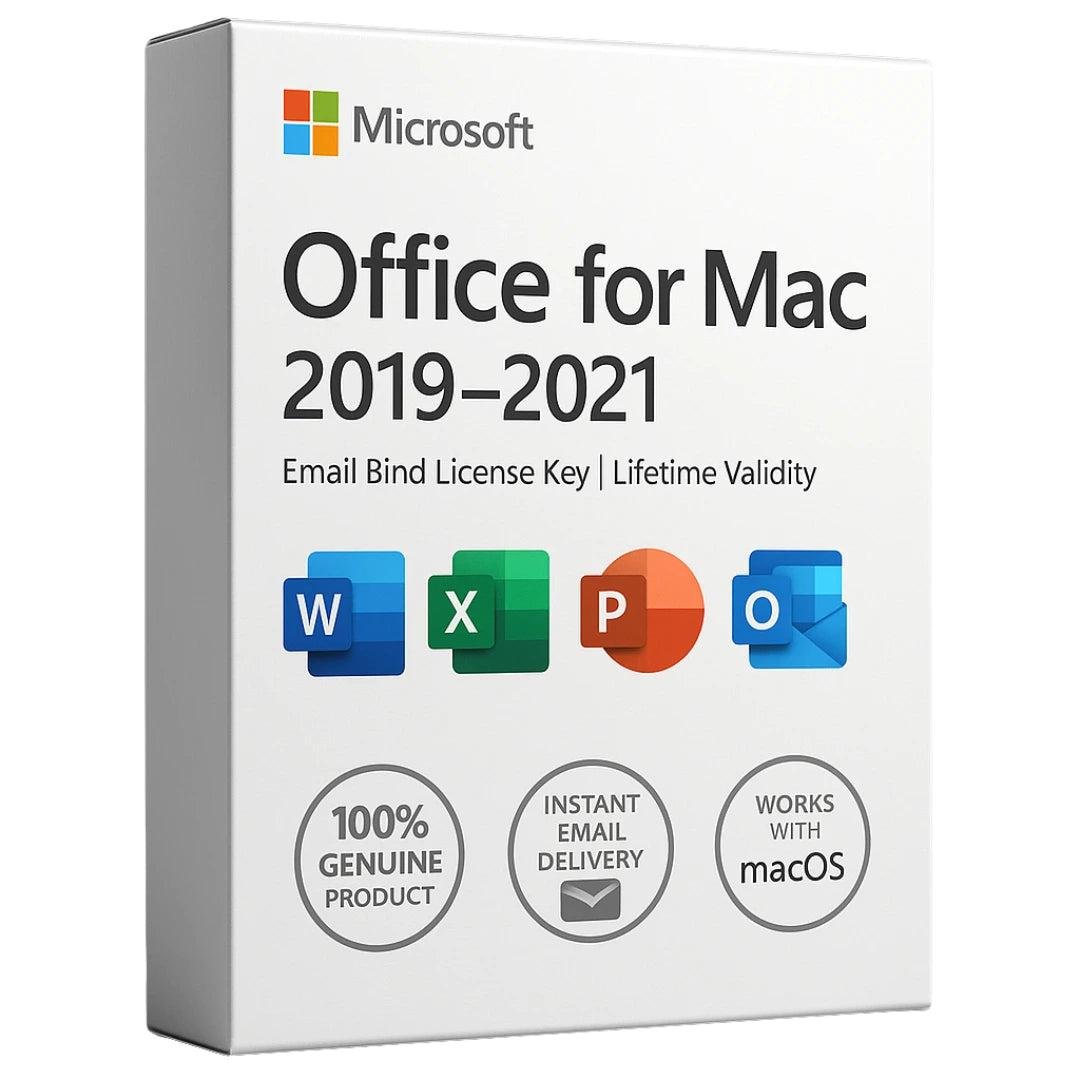
Microsoft Office for Mac – Email Bind License Key (2019 / 2021)
Microsoft Office for Mac is a powerful and reliable productivity suite developed by Microsoft specifically for macOS users. Designed for both personal and professional use, this suite provides all the essential tools you need to create documents, manage data, deliver presentations, and handle communication efficiently on your Mac.
With an Email Bind License Key, your Office license is securely linked to your Microsoft account, ensuring easy reinstallation, activation, and long-term access.
What’s Included in Microsoft Office for Mac
Microsoft Word
Create, edit, and format professional documents with advanced styles, templates, spell check, grammar tools, and real-time collaboration features.
Microsoft Excel
Analyze and organize data using formulas, charts, tables, and pivot tables. Excel for Mac offers powerful tools for calculations, reporting, and data visualization.
Microsoft PowerPoint
Design impactful presentations with modern themes, animations, transitions, images, and videos to deliver visually engaging slideshows.
Microsoft Outlook
Manage emails, calendars, contacts, and tasks efficiently with a clean interface and seamless integration with other Office applications.
Microsoft OneNote
Capture ideas, notes, and information in a digital notebook. Supports multimedia content, handwriting, and cross-device synchronization.
Collaboration & Cloud Integration
Microsoft Office for Mac supports real-time co-authoring, allowing multiple users to work on the same document simultaneously. Integration with OneDrive, SharePoint, and iCloud enables secure cloud storage, easy sharing, and access to files from anywhere.
Improved macOS Experience
Office 2019/2021 for Mac features a refined interface optimized for macOS, including the familiar Ribbon toolbar, ensuring a consistent and smooth experience across both Mac and Windows platforms.
Installation & Activation Process (Office 2019 / 2021 for Mac)
- Purchase a valid Microsoft Office for Mac product key
- Ensure your Mac meets Microsoft’s system requirements
- Sign in or create a Microsoft account
- Visit https://www.office.com and log in
- Go to My Account → Install Office
- Download the Office installer for Mac
- Open the installer and follow on-screen instructions
- Enter your Mac administrator password if prompted
- Complete installation and open any Office app
- Sign in with your Microsoft account to activate
🔗 Activation guide:
https://support.microsoft.com/en-us/office/where-to-enter-your-office-product-key-0a82e5ae-739e-4b92-a6f4-2ec780c185db
Key Benefits of Email Bind License
- License linked securely to your Microsoft account
- Easy reinstallation and recovery
- Official activation via Microsoft servers
- Reliable and long-term usage
Conclusion
Microsoft Office for Mac is a complete productivity solution for macOS users who need powerful, familiar, and dependable tools. With applications like Word, Excel, PowerPoint, Outlook, and OneNote, it enables seamless document creation, collaboration, and communication. The email-bound license ensures secure activation and long-term convenience across your Mac environment.
Yes, Microsoft Office for Mac is a 100% genuine and official Microsoft product. The email-bind license key activates through Microsoft’s servers and provides full access to all included applications with official updates and long-term reliability.
An Email Bind License Key means the Office license is linked to your Microsoft account email. This allows easy activation, reinstallation, and recovery in the future without re-entering the product key each time.
Microsoft Office for Mac includes Word, Excel, PowerPoint, Outlook, and OneNote. These applications help with document creation, data analysis, presentations, email management, and note-taking for both personal and professional use.
Microsoft Office for Mac 2019/2021 supports compatible macOS versions as specified by Microsoft. Before installation, it is recommended to check the official system requirements to ensure your Mac meets the minimum specifications.
To activate, visit office.com, sign in with your Microsoft account, download the Office installer, install the software, open any Office app, and sign in again. The license will automatically activate once linked to your account.
Yes, since the license is email-bound, you can reinstall Microsoft Office for Mac anytime by signing into your Microsoft account and downloading Office again, without needing to purchase a new license.
Yes, Microsoft Office for Mac is suitable for both personal and business use. It offers professional tools, collaboration features, cloud integration, and a familiar interface that supports productivity across teams and workflows.
Add your review
Your email address will not be published. Required fields are marked *
Please login to write review!
Looks like there are no reviews yet.